
Subscription Audit: A Step-by-Step Guide to Cutting What You No Longer Use

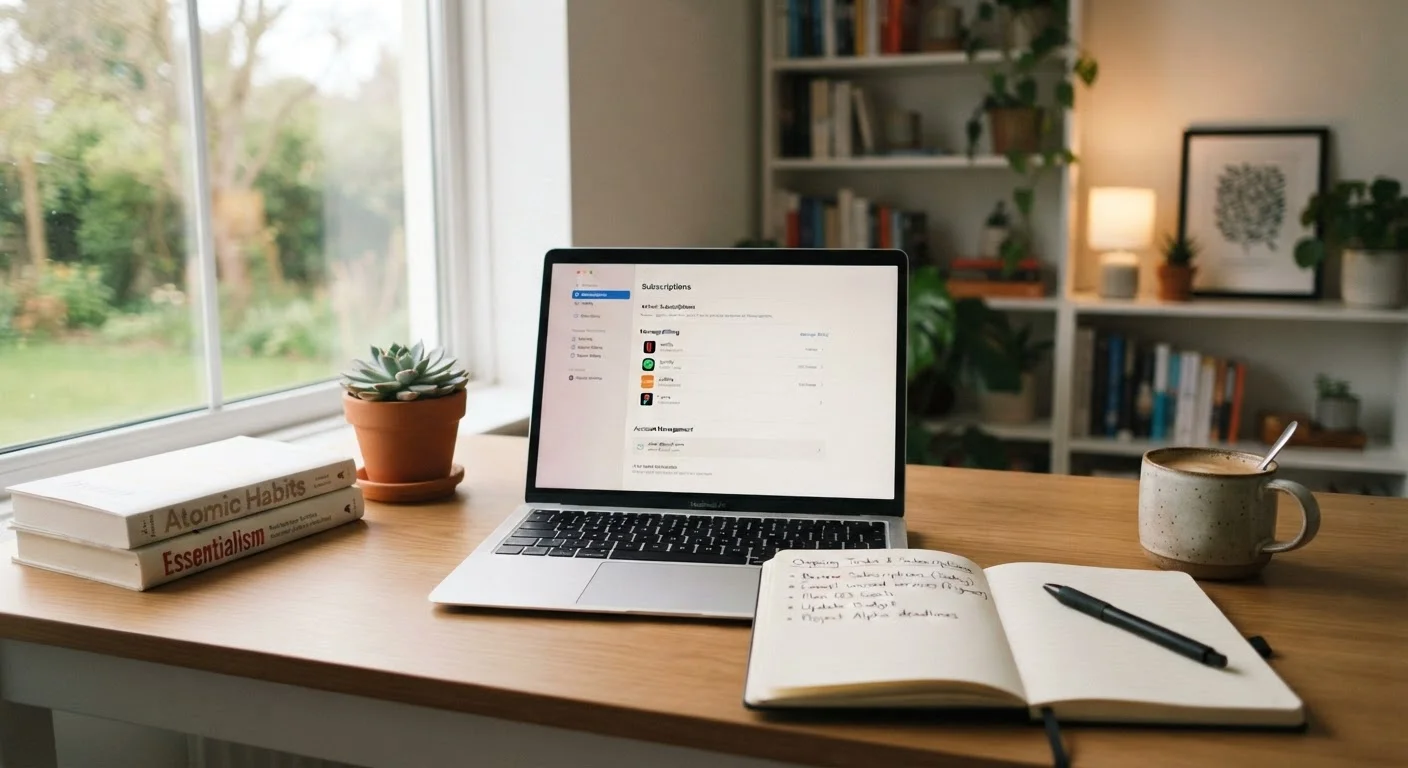
Photo: balancedlivingtools.net editorial
Key Takeaways
- Most households carry several subscriptions they rarely or never use.
- A single bank or credit card statement review is usually enough to build a complete list.
- Evaluating each service against actual usage is more reliable than going by memory.
- Many services let you pause instead of cancel, which can save money without permanent loss of access.
- Scheduling a recurring audit every few months prevents subscription creep from rebuilding.
Why subscriptions pile up quietly
Subscription billing works in your favor as a consumer when you use the service, and against you when you forget about it. A $10 or $15 monthly charge rarely triggers the same mental alert as a one-time purchase of the same amount, so individual charges tend to slip past monthly attention. Multiply that across a streaming service, a fitness app, a news site, a meal kit, a cloud storage tier, and a digital magazine, and a household can easily be spending $150 to $200 a month on recurring charges without any single one feeling significant.
This is sometimes called subscription creep: the gradual accumulation of recurring charges that each seemed reasonable at signup. Convenience spending in general follows a similar pattern, where small habitual costs add up well before they register as a problem.
The good news is that a one-time audit, done carefully, gives you a clear and complete picture. The steps below walk through the whole process from discovery to cancellation.
What you will need
How to find every active subscription
Memory alone will not give you a complete list. Pull up two to three months of statements from every bank account and credit card your household uses, then scan line by line for any recurring charge. Look for charges that repeat on the same calendar date each month, as well as annual charges that may appear only once in the window you are reviewing.
Search your email inbox for terms like 'receipt', 'subscription', 'renewal', and 'billing'. Most services send a confirmation email when they first charge you and again at each renewal. These emails often surface services that have rolled off your statement view.
Check your phone's app store subscription management screen. Both major mobile platforms have a dedicated section showing every active in-app subscription, the renewal date, and the price. This step catches a large category of charges that many people overlook.
Use a dedicated email search
Once you have your raw list, write everything down in one place: a notes app, a spreadsheet, or even a piece of paper. Include the service name, the monthly or annual cost, the payment method, and the renewal date.
Evaluating whether each service earns its cost
For each item on your list, ask one concrete question: how many times did you actually use this in the past 30 days? Not how many times you intended to use it, and not how much you value the idea of having access to it. Actual use in the recent past is the most reliable signal.
A service you used once in the last month for something you could have done another way is a candidate for cancellation. A service you use several times a week at a price you would consciously choose to pay again is worth keeping.
Some subscriptions are harder to evaluate because they cover infrequent but high-value events, such as roadside assistance or a VPN service you only activate when traveling. For those, compare the annual cost against what you would pay on a per-incident basis, then decide whether the math favors a subscription or pay-as-you-go access.
Folding this review into a monthly household budget checkup makes it easier to catch new charges before they become habits.
Canceling, pausing, or downgrading
For services you have decided to drop, cancel before the next renewal date rather than after. Most services do not offer prorated refunds once a new billing cycle has started, so timing matters. Note the renewal date from your list and set a phone reminder two or three days in advance.
Before canceling outright, check whether the service offers a pause option. Several streaming and software platforms let you suspend billing for one to three months. If there is a chance you will return to the service, pausing costs nothing and avoids re-entering payment details later.
Downgrading is worth considering for services where you use some features but not all. A cloud storage plan at a higher tier than you need, or a software subscription with premium features you have never opened, can often be dropped to a lower tier at meaningfully lower cost.
After completing each cancellation, confirm it by checking for a confirmation email and by verifying the charge no longer appears in the following month's statement.
Confirm cancellation before the billing date
Making the audit a regular habit
A single audit clears the backlog, but new subscriptions will accumulate again unless you build in a regular review. Setting a calendar reminder every three to four months takes less than a minute and gives subscription creep no room to rebuild quietly.
One practical habit: whenever you sign up for a new free trial, add the trial end date to your calendar immediately. This one step prevents the most common form of unintended subscription spending, where a trial converts to a paid plan before you have had a chance to decide whether you want it.
Households that do this consistently often find their approach to recurring spending shifts more broadly. When a family is paying close attention to where money goes each month, discretionary line items across the whole budget tend to get more scrutiny.
The content provided on our blog site traverses numerous categories, offering readers valuable and practical information. Readers can use the editorial team’s research and data to gain more insights into their topics of interest. However, they are requested not to treat the articles as conclusive. The website team cannot be held responsible for differences in data or inaccuracies found across other platforms. Please also note that the site might also miss out on various schemes and offers available that the readers may find more beneficial than the ones we cover.